


PRACTICE ZONE
Free practice apps. Ask. Explore. Apply.
Short, fun apps that go with our lessons. Pick one and play. Free. No sign-up. If you can read, you can use them.
Apps
MATH · BEGINNER
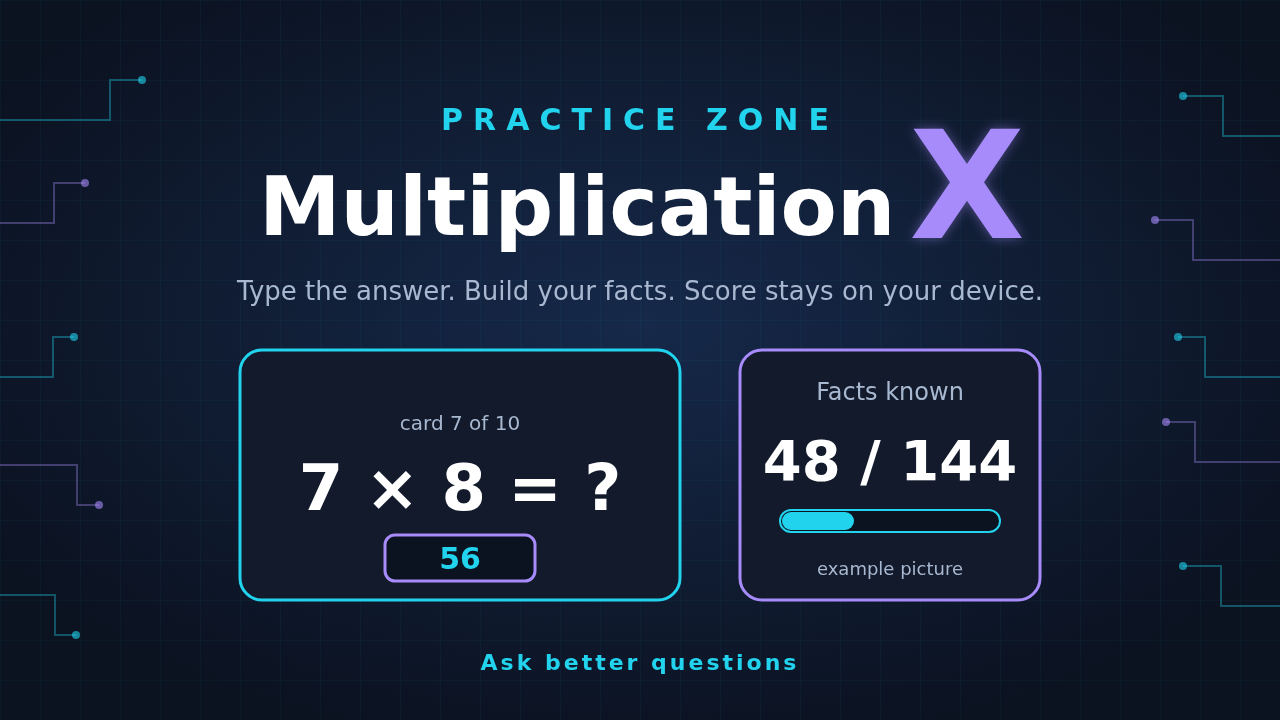
Multiplication X
Type the answer. Pick tables 1 to 12. Play 10 or 20 cards and watch your facts known grow out of 144.
Free. Opens in a new tab. Score stays on your device.
MATH · BEGINNER
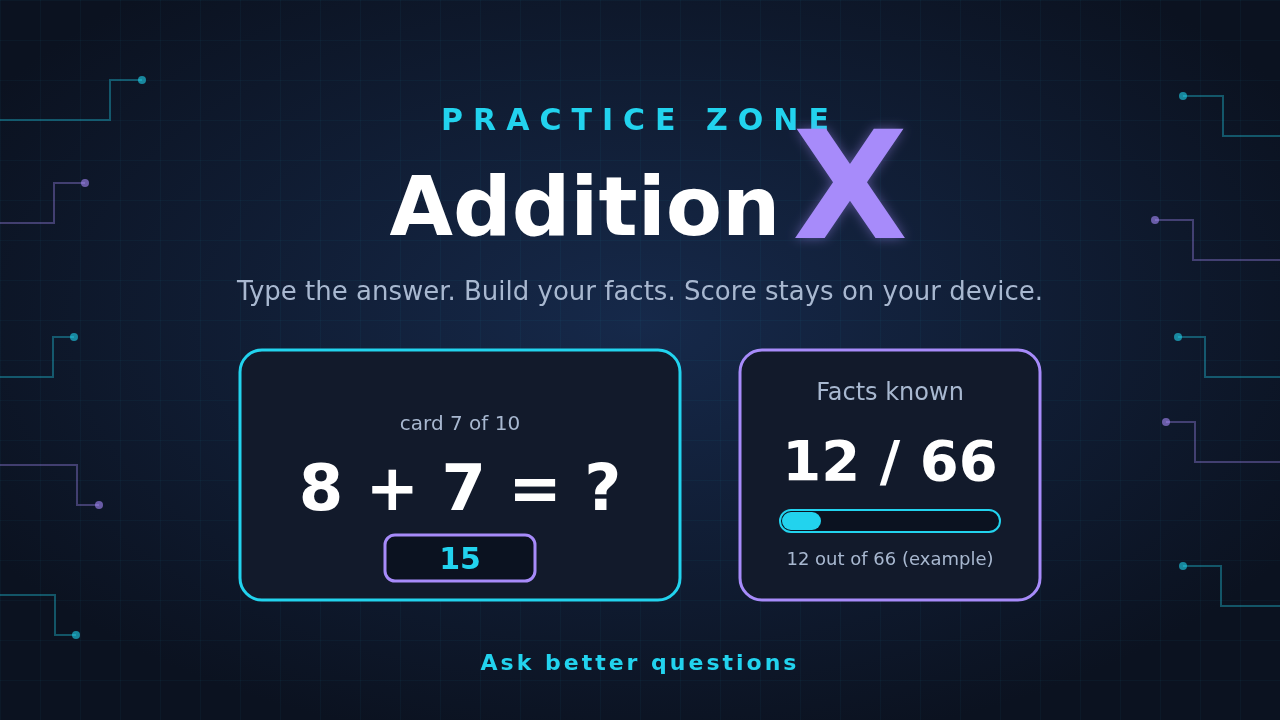
Addition X
Type the answer. Pick your numbers. Play 10 or 20 cards and watch your facts known grow out of 66.
Free. Opens in a new tab. Score stays on your device.
MATH · BEGINNER
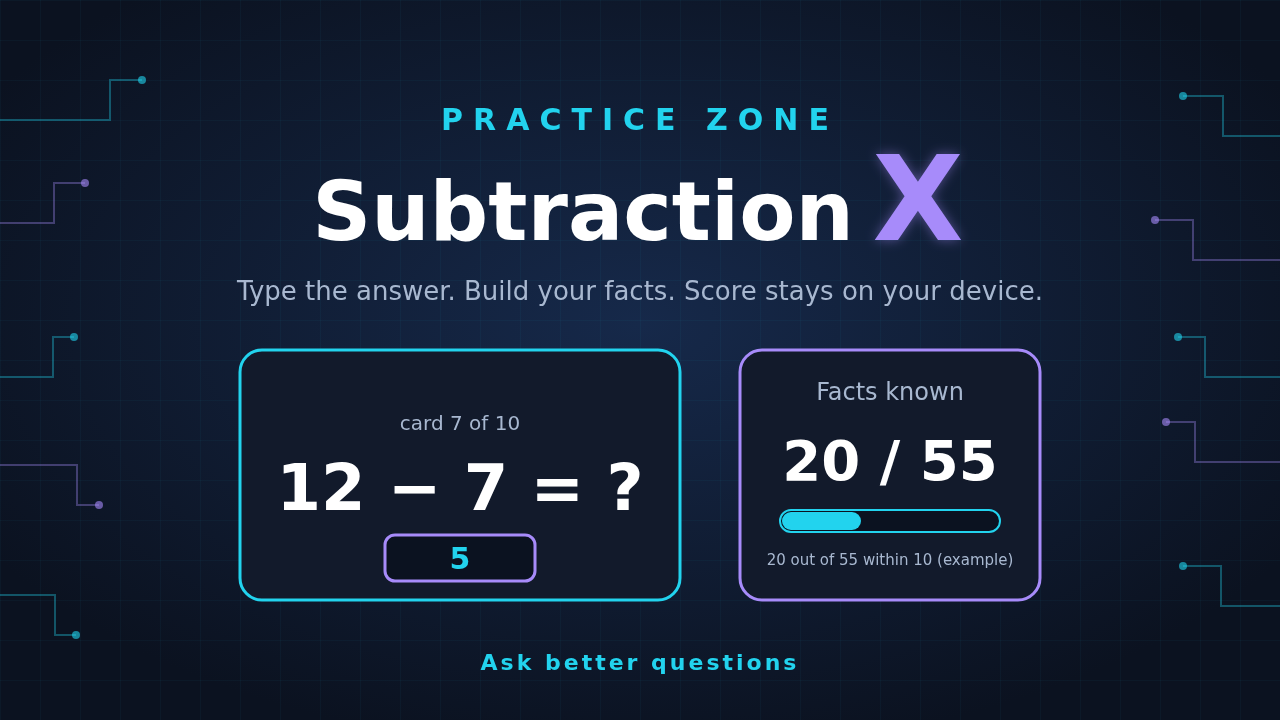
Subtraction X
Type the answer. Choose within 10 or within 20, then try fact families and missing-number cards. Watch your facts known grow.
Free. Opens in a new tab. Score stays on your device.
MATH · INTERMEDIATE
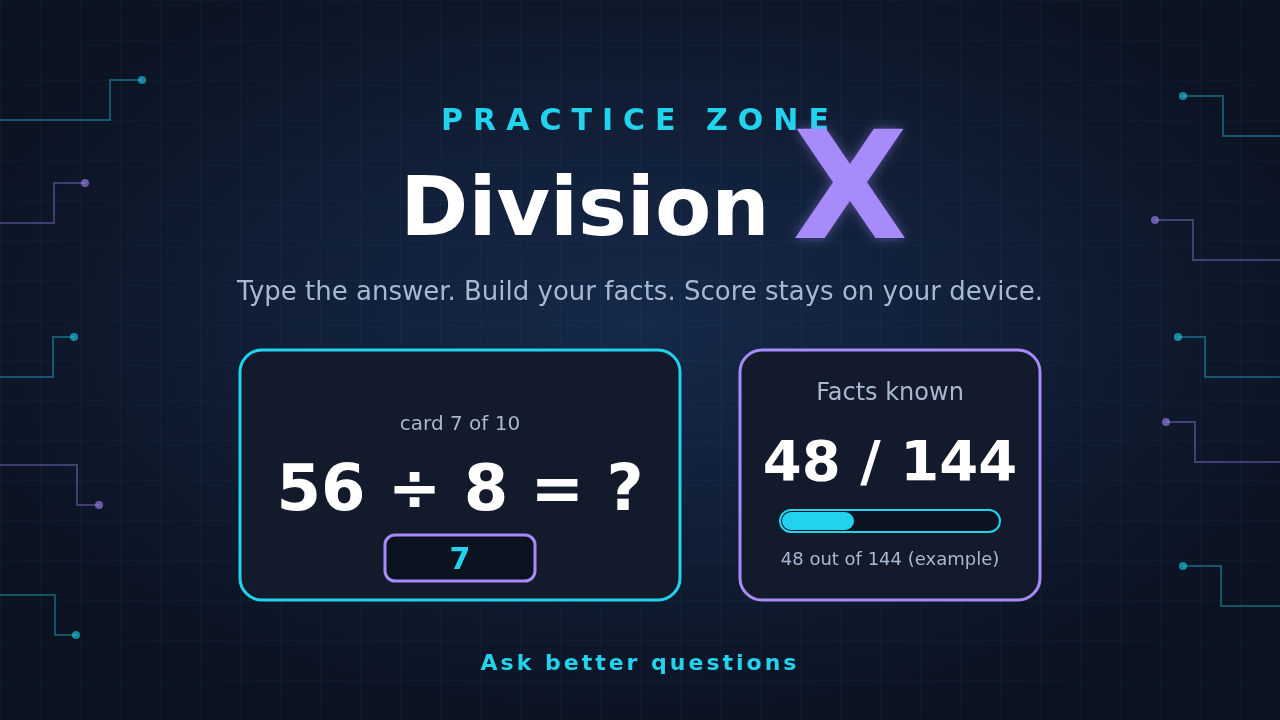
Division X
Type the answer. Pick your divisor tables 1 to 12. Play 10 or 20 cards and watch your facts known grow out of 144.
Free. Opens in a new tab. Score stays on your device.
SCIENCE · BEGINNER
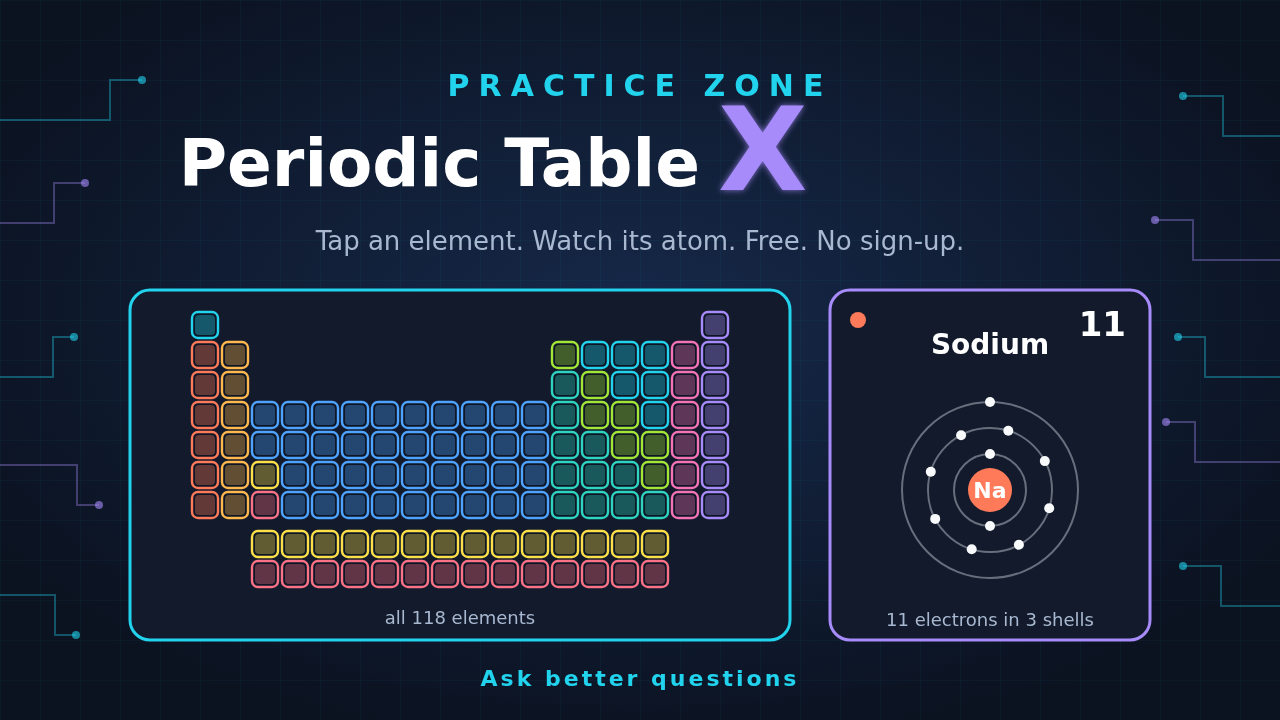
Periodic Table X
Tap any of the 118 elements. See its atom, what it is used for, and a fun fact. Then try Quiz me.
Free. Opens in a new tab. Quiz score stays on your device.
SPACE · BEGINNER
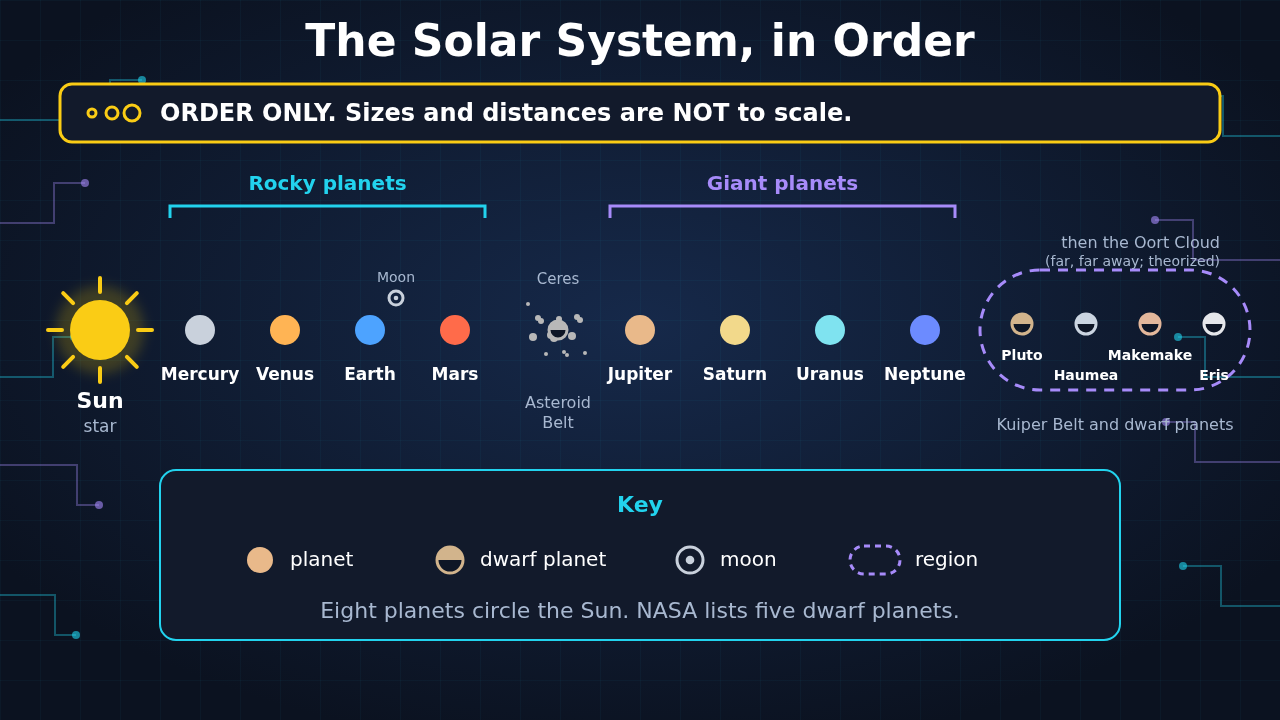
Solar System X
Explore 35 worlds, moons and more. Tap one to see where it is and how big it is. Switch views to see true distances or true sizes.
Free. Opens in a new tab.
TYPING · BEGINNER
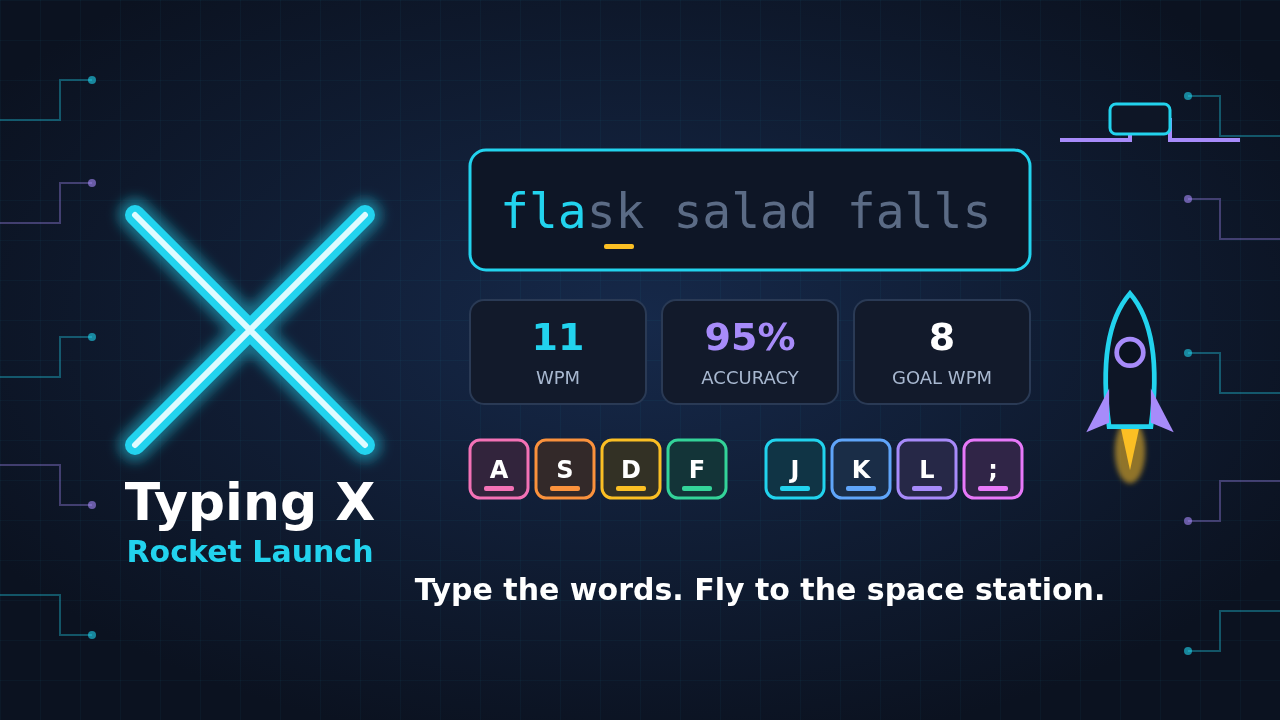
Typing X: Rocket Launch
Type the words to fly your rocket. Start at the home row, pick Beginner, Intermediate or Advanced, and reach your goal speed and accuracy to dock at the space station.
Free. Opens in a new tab. Progress stays on this device.
Works best with a real keyboard. An iPad with a keyboard should work too. Typing on a phone screen is just for a try.
More apps will appear here as we add them.
How the Practice Zone works
The four math apps work the same way, so once you learn one, you know them all. Periodic Table X and Solar System X are different: you explore and tap instead of typing answers. In Typing X, you type words to launch a rocket.
3 steps for the math apps
Step 1. Pick an app
Choose Multiplication X, Addition X, Subtraction X, Division X, Periodic Table X, or Solar System X. Each one opens in a new tab.
Step 2. Play a round of 10 or 20
Type the answer to each card. Quick round: 10 cards. Longer round: 20 cards.
Step 3. Watch your facts known grow
Every fact you learn adds to your total. Each app shows its own total.
How the math apps work
- Type the answer. Each card asks one fact.
- Choose your numbers. Each app lets you pick what to practice, like tables or a range.
- Pick your round. 10 cards for a quick round, 20 for a longer one.
- Track your facts. The tracker shows how many facts you know out of that app's total.
What does "known" mean?
A fact is known when you get it right two times in a row. If you miss it, it starts over. That keeps "known" honest.
Facts in each app
- Multiplication X: 144 facts (tables 1 to 12).
- Addition X: 66 facts (numbers 0 to 10).
- Subtraction X: 55 facts within 10, and 210 facts within 20.
- Division X: 144 facts (divisors 1 to 12).
- Periodic Table X: all 118 elements, plus a 10-question quiz.
- Solar System X: 35 objects: the Sun, 8 planets, 5 dwarf planets, 16 moons, 3 regions and 2 comets.
- Typing X: 13 typing lessons for every level, plus 3 more in Advanced (16 in all).
Your privacy
Anything the apps save, like scores, stays on this device. No sign-up.
The math apps and Typing X save progress on this device, so a different device starts a new count.
On Oct 20 the apps moved to our own web address, k12summerworkbooks.com. Progress saved before then may not show up, so your child may see a fresh start.
Tips for the math apps
- Little and often. Try one 10-card round a day.
- Start small. Pick a small set of numbers first, then add more.
- Name it. After a round, say one fact that felt easy and one that felt tricky.
- Build the tricky one. Make it with objects, then say it out loud.
- Stretch on weekends. Try a 20-card round when it feels comfortable.
Multiplication tips
- Use the flip. If 7 × 8 is tricky, practice 8 × 7 too. Same total.
- Make groups or an array. Build the tricky fact with objects as groups or rows, then flip it.
Typing X tips
- Find home first. Feel the bumps on F and J, then rest all eight fingers on the home row.
- Accuracy first. Aim for 90% right keys. Speed comes with practice.
- Use a real keyboard. A computer works best. An iPad with a keyboard should work too. A phone screen is just for a try.
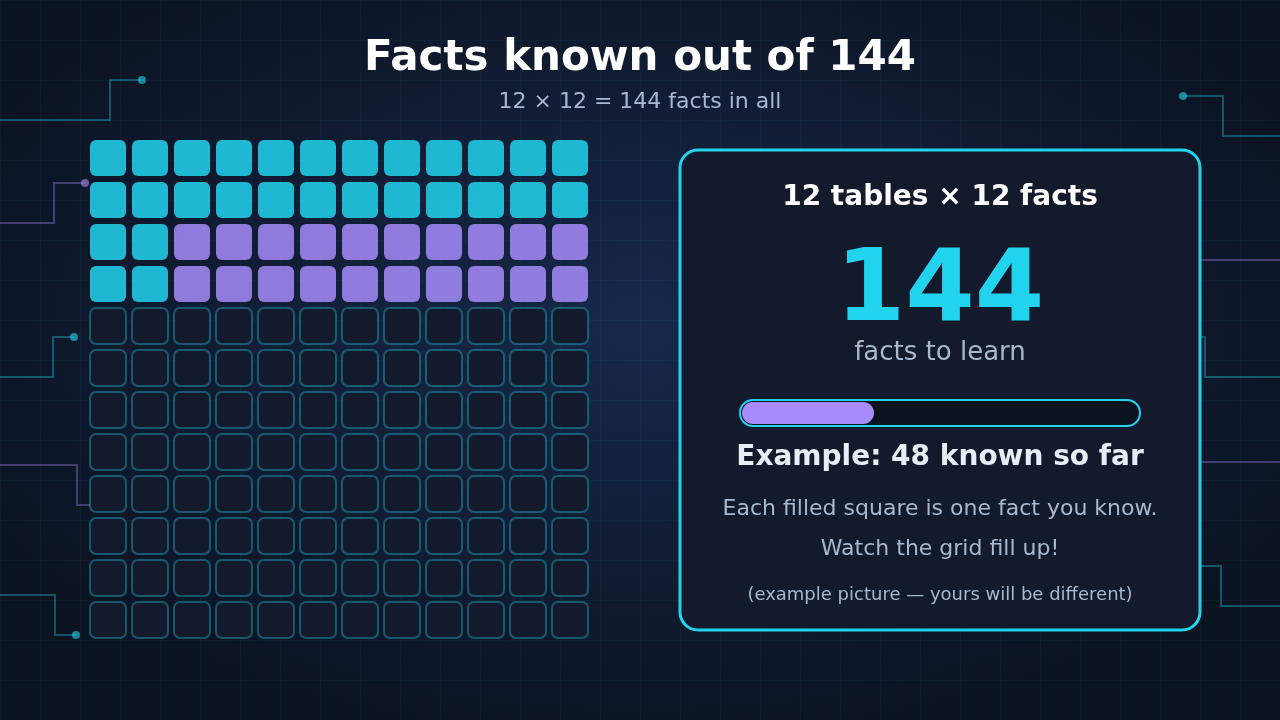
Why 144? The tables go from 1 to 12, and each table has 12 facts. 12 × 12 = 144.
New to this?
Read the idea first, then come back and play. Each lesson is free.
Supplemental STEM aid for home or summer learning — not a school curriculum replacement. Adult supervision recommended for screen time.